u/lukmly013 💾 (lemmy.sdf.org)

I like computers, trains, space, radio-related everything and a bunch of other tech related stuff. User of GNU+Linux.
I am also dumb and worthless.
My laptop is ThinkPad L390y running Arch.
I own RTL-SDRv3 and RSP1 clone.

SDF Unix shell username: user224

  • 4 posts
  • 5 comments
Joined 3 years ago
Cake day: June 17th, 2023

Yesterday, someone topped up my number with a small amount of credit (pay-as-you-go), and activated unlimited monthly mobile data package.

I still have a data plan (prepaid data, postpaid calls and texts) on my main SIM expiring in a week.

I haven’t used any of it (on secondary, of course), and contacted my carrier’s tech support stating these appeared unexpectedly. Their response was “We would like to inform you that the credit on your phone number was topped up at a point of sale. The unlimited package was later activated at the same point of sale.”
And? Was the tech support person just trying to imply it was likely paid for in cash and I just shouldn’t care because they couldn’t refund it anyway?

Anyway, one annoying thing about this is that it also activated automatic renewal, so if I wasn’t using the number for a few months, I wouldn’t notice my remaining credit automatically draining.
Hell, if I had registered for their online account, it would even possibly pay that directly from my debit card on renewal.

(Images are hosted on catbox.moe with a total size of 1.9MiB - your data plan will be fine)

Following Android docs, unlocking a bootloader should be as simple as enabling that option in developer settings, and issuing fastboot flashing unlock command in the bootloader.

But not all manufacturers like that.
So, here’s the fuckery I went through.

Obtaining Mi Unlock tool

That one comes from here: https://en.miui.com/unlock/download_en.html
Which also links to these steps: https://new.c.mi.com/global/post/101245

First run

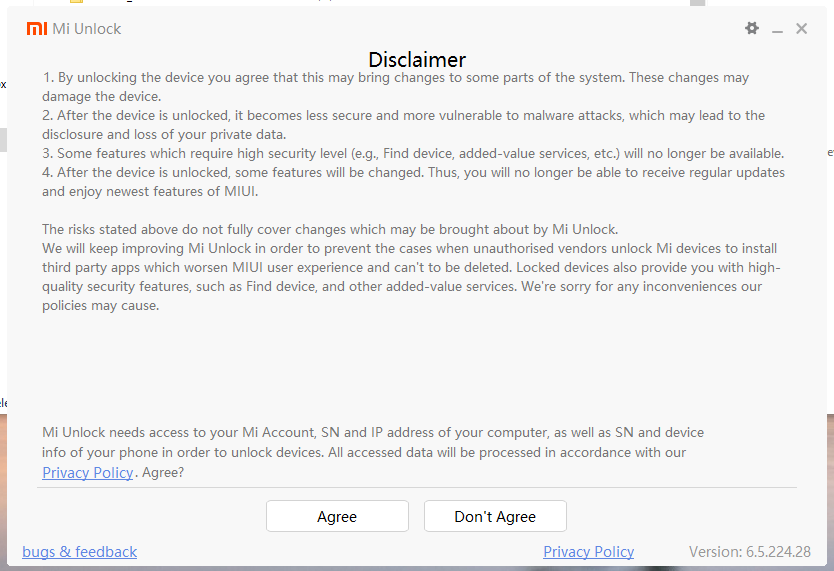
Disclaimer + privacy policy link
And we need an account.
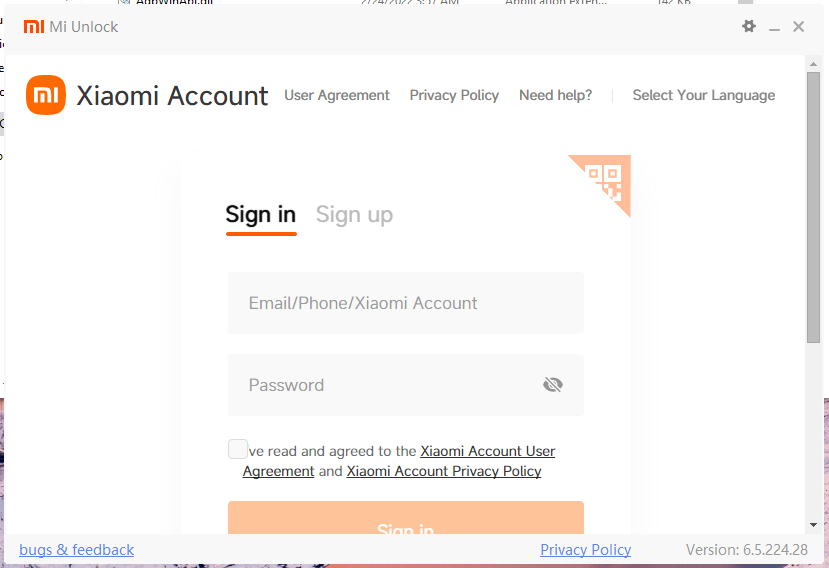
Log-in screen

Account creation

Since I’ll need it on the phone as well, I decided to create the account from there.
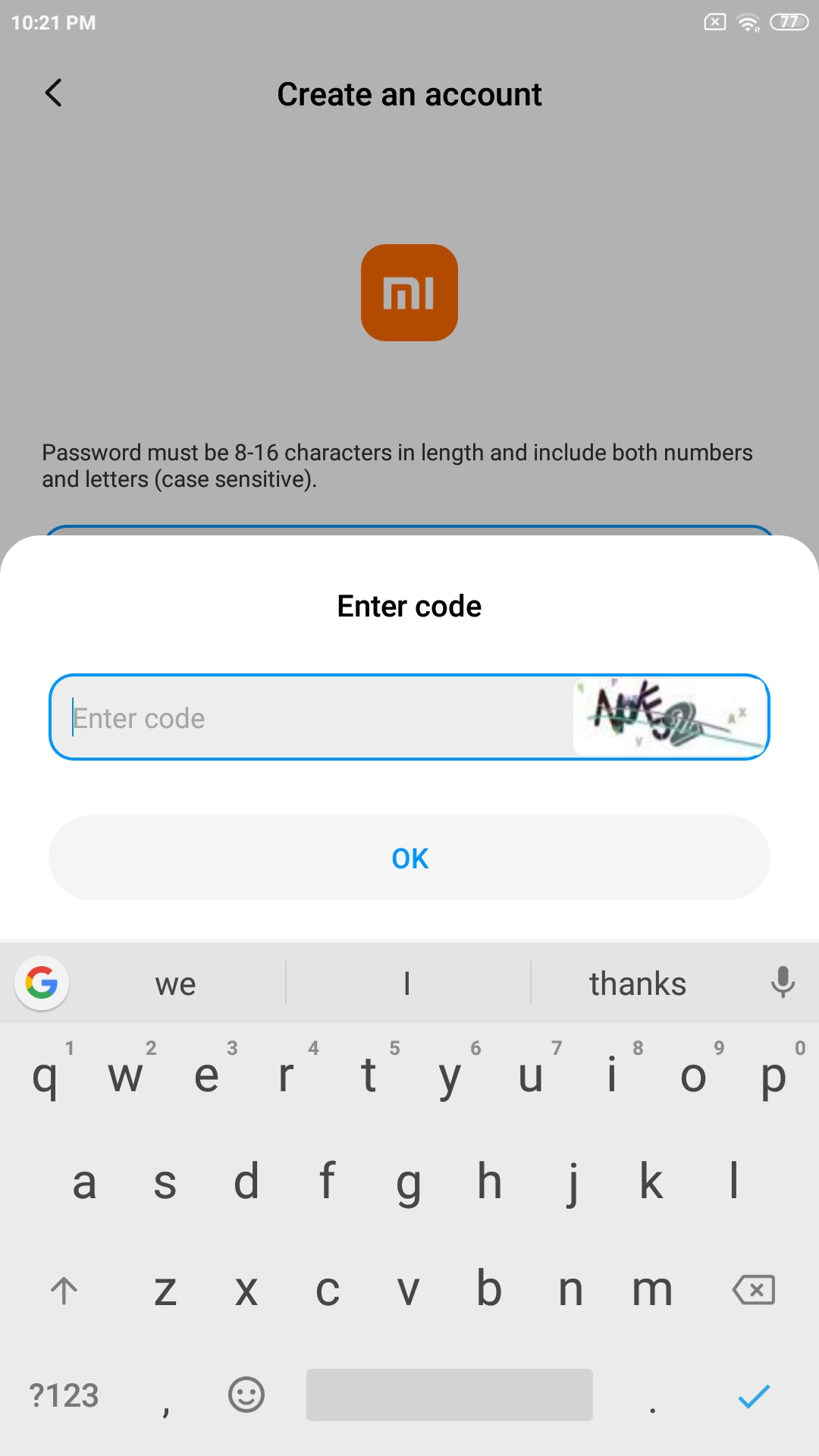
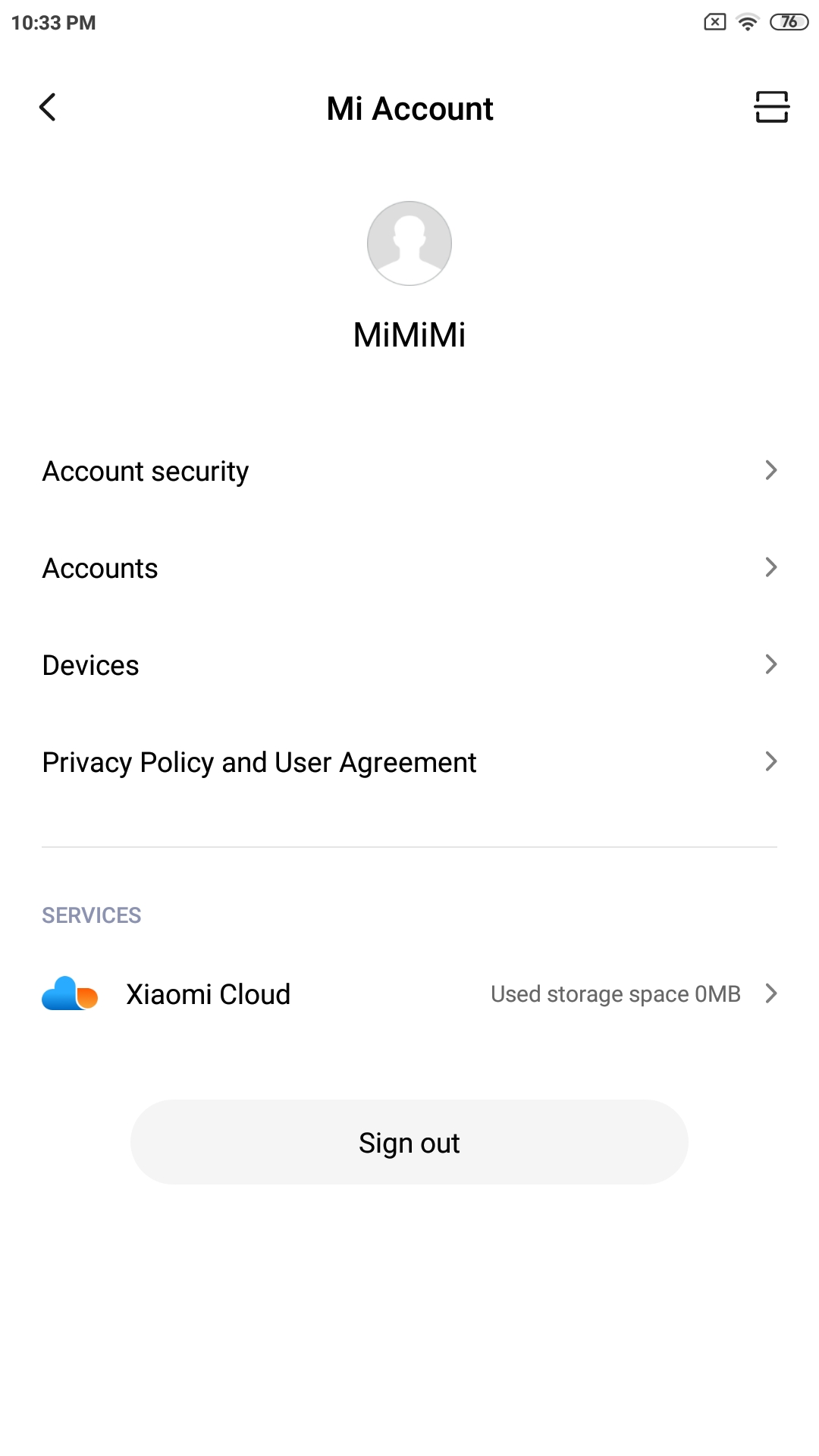
Simple captcha Account page
I’ve used e-mail + password for sign-up.
There was also a confirmation e-mail sent to me, nothing special so far.

Logging into Mi Unlock - First roadblock

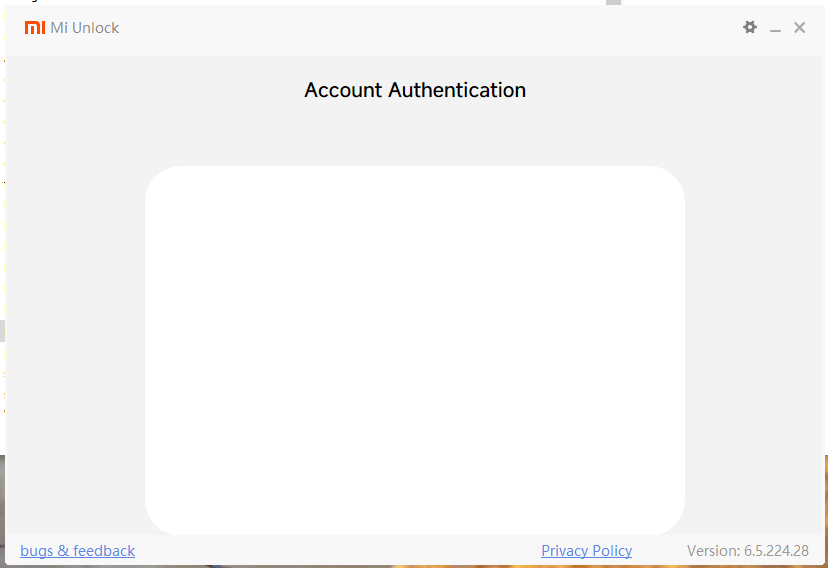
After entering e-mail + password, it fucks up with a blank verification page.
Blank verification page
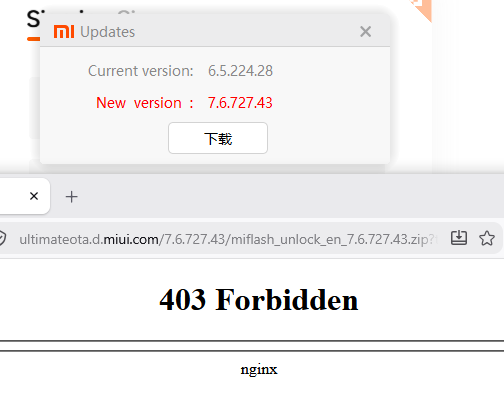
This was also reported by someone on XDA, with a solution to update.

Mi Unlock updaten’t

403 Forbidden
I’ve tried both with and without a VPN, no luck. Some people reported the same issue when I searched around.

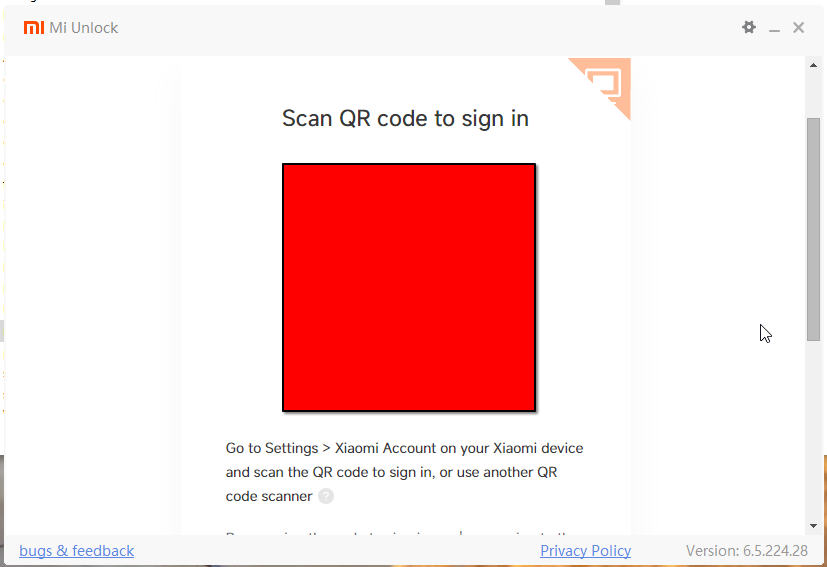
Workaround - QR code login from phone app

QR code login page
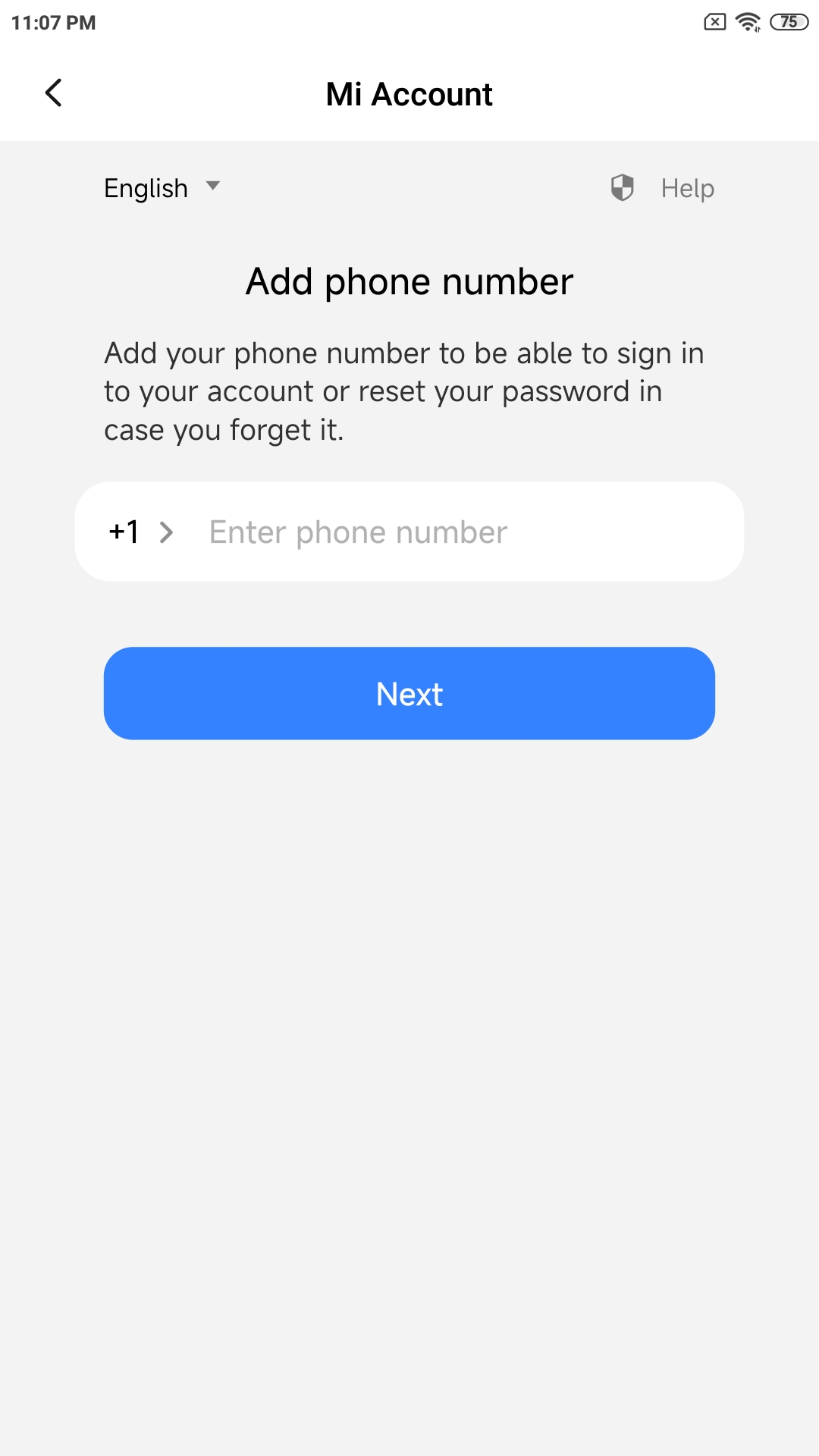
Of course, this needs more private data - a phone number, because why not?
And of course, it also does not fucking work.
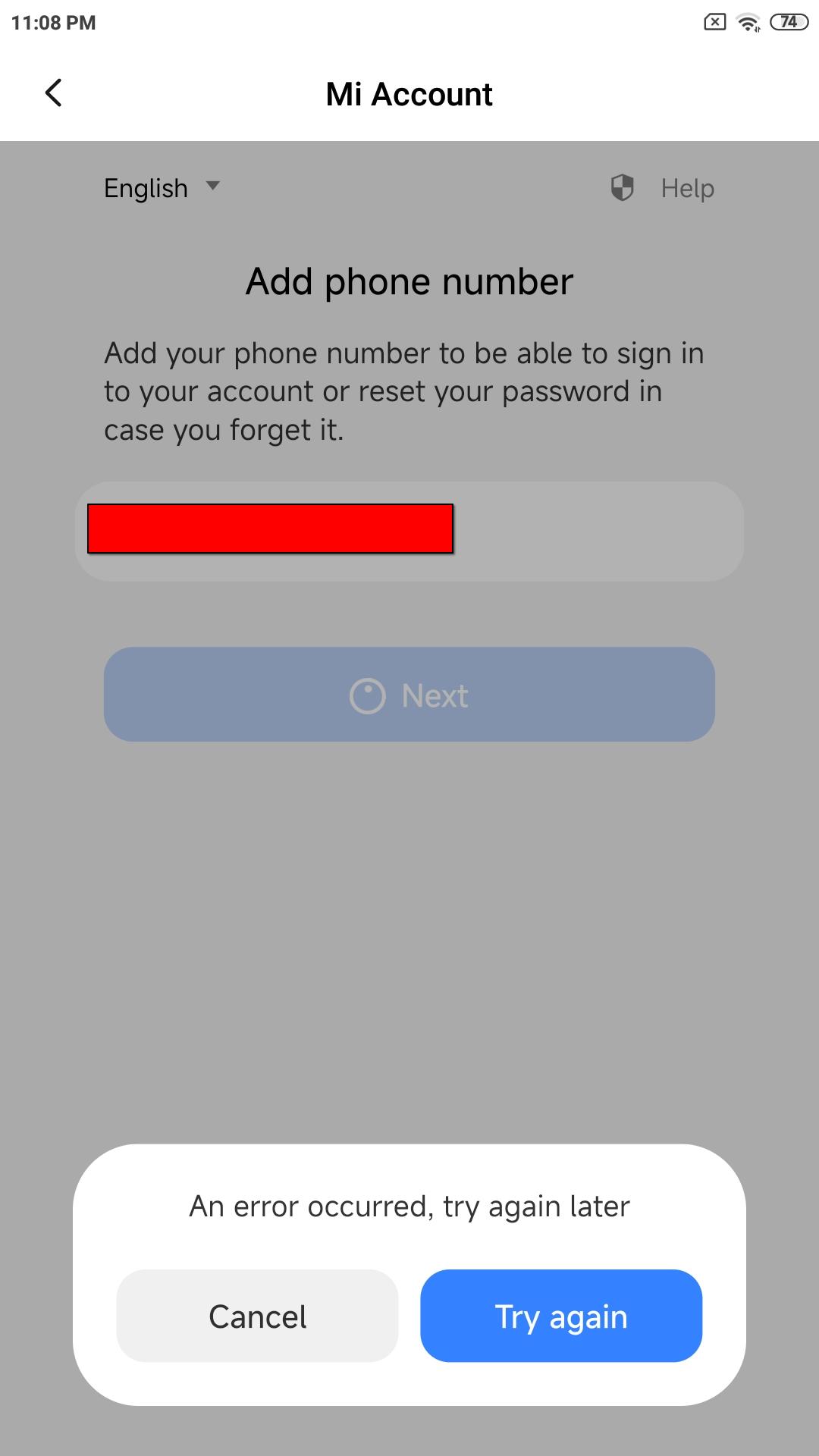
Phone number prompt Error when entering phone number

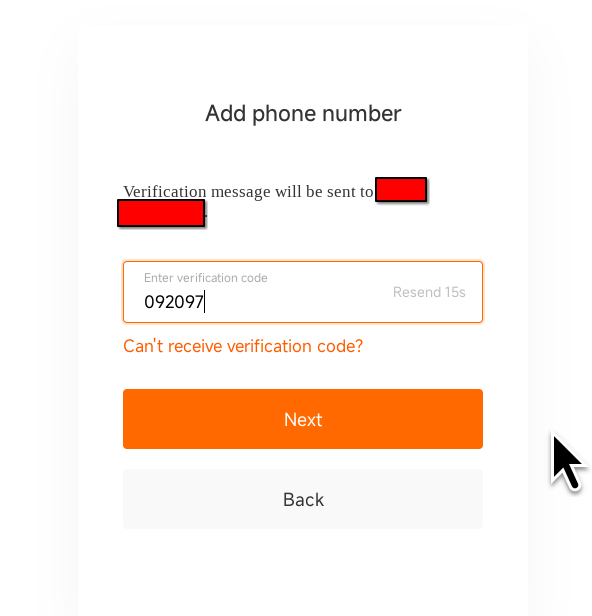
Entering phone number in browser

This worked. But the phone app still didn’t like me.
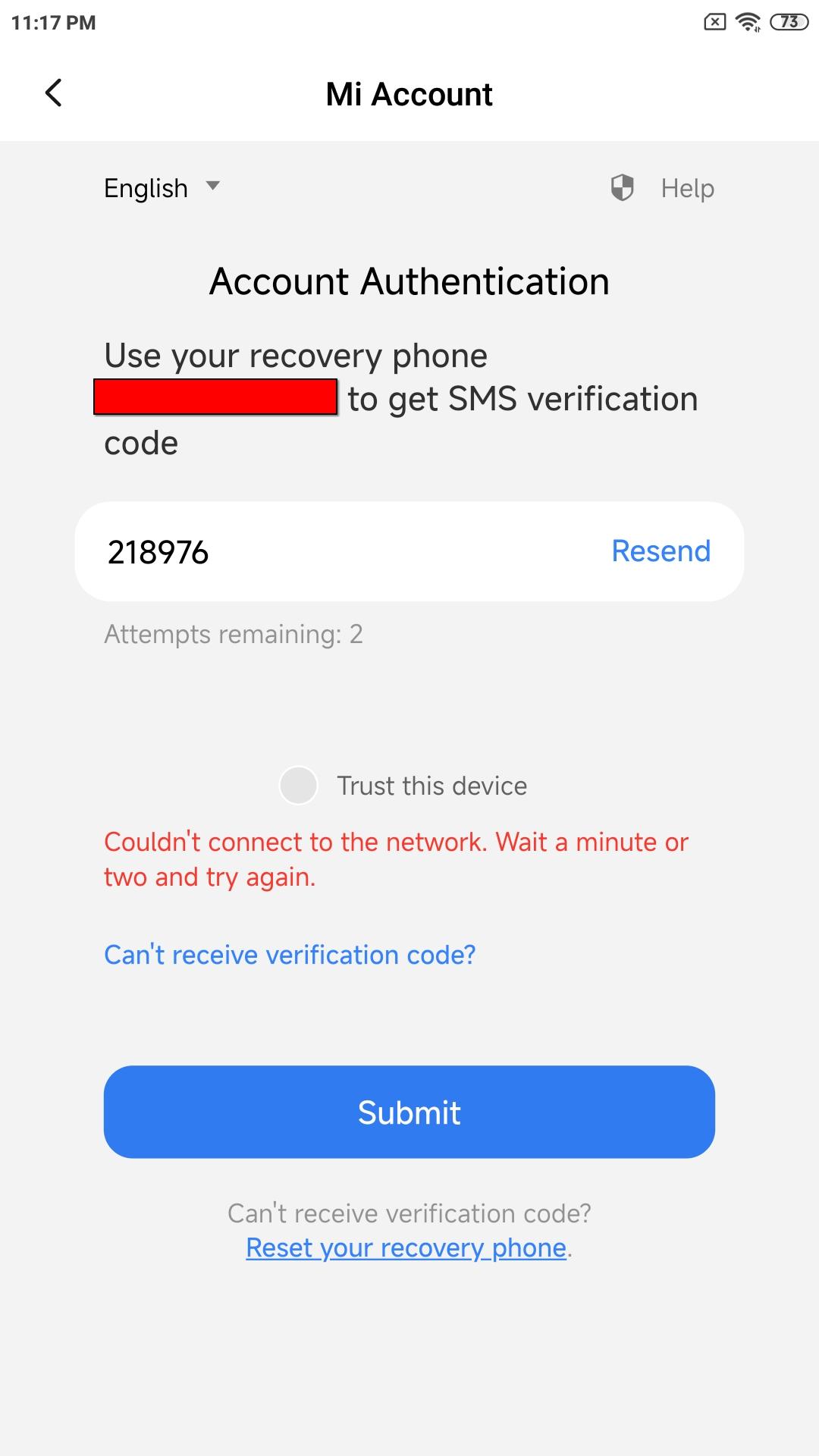
Phone number confirmation prompt Phone number confirmation error on phone
Do notice the “attempts remaining”, this will be important later.

Workaround - QR code: Electric Boogaloo

The QR code actually contains a URL, so let’s open it in a browser.
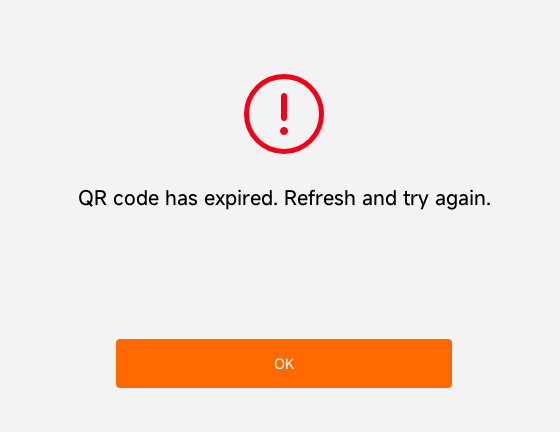
QR code expired
Well, fuck. Let’s do that again.
Success
And we are in.
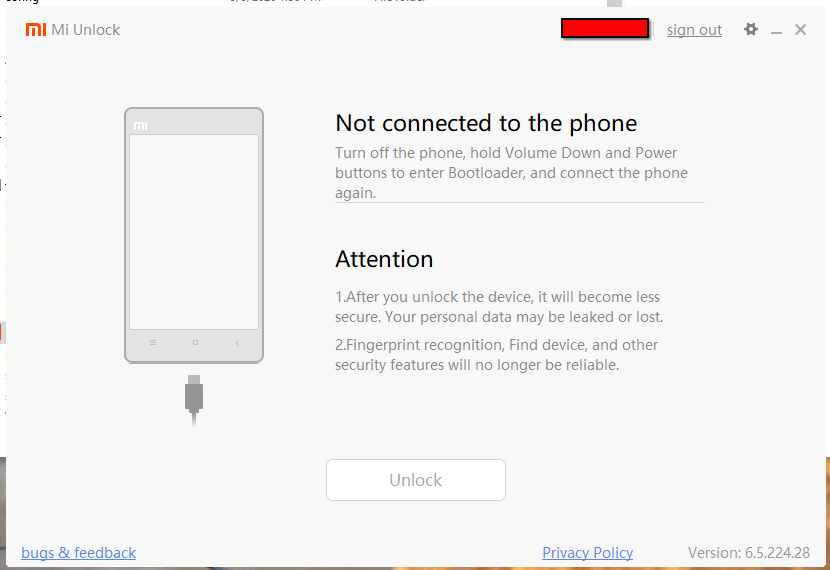
Unlock page

Binding phone to Mi Account - More data collection

I thought the problem above (gray unlock button) was the phone not yet being “binded” to the account, so I skipped to this step.
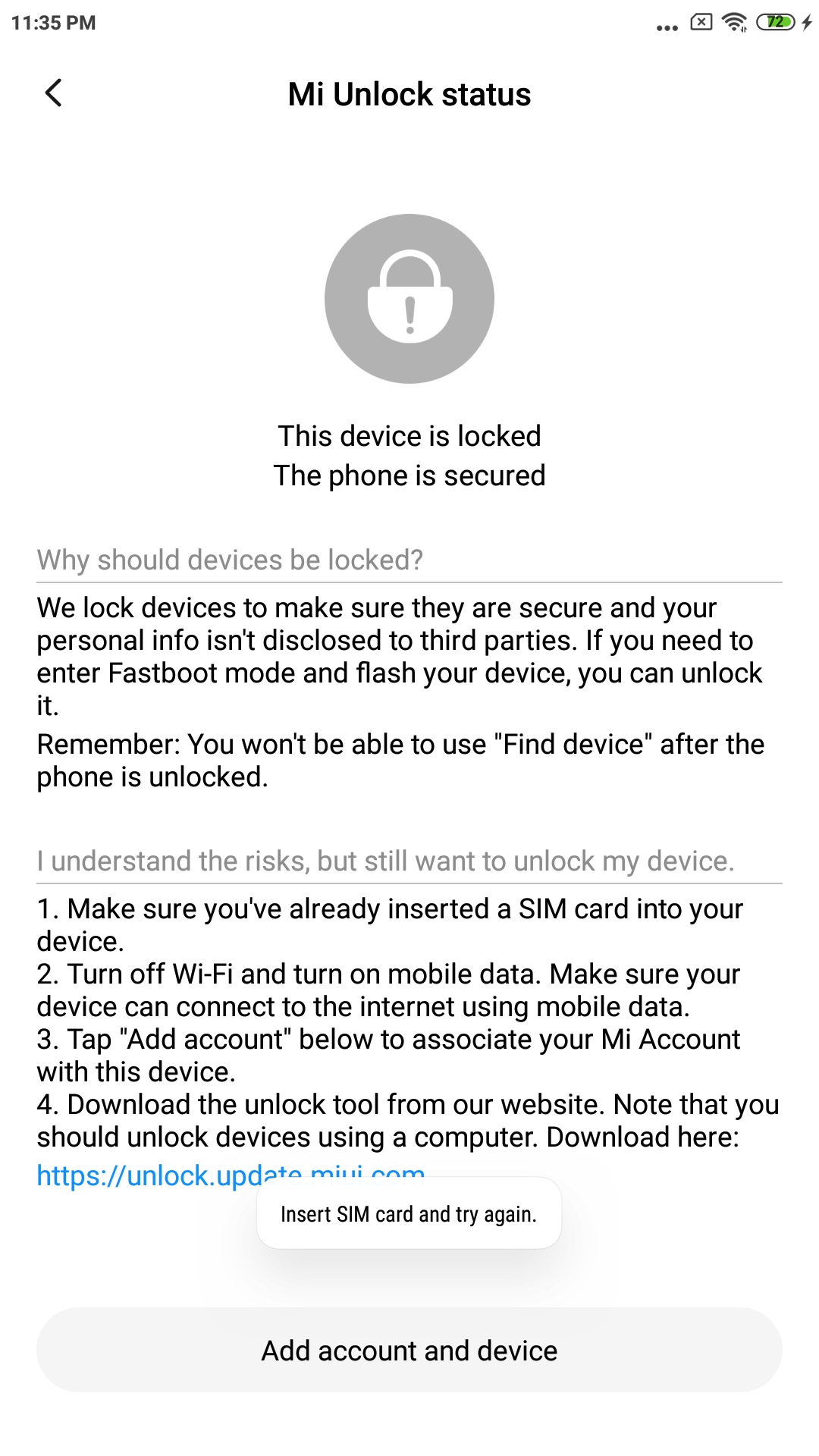
Requirement of sim card and mobile data
So I inserted a SIM card, but they didn’t lie. It really requires mobile data. I even tried Bluetooth network as someone else suggested.
Warning/error about mobile data requirement
This was a bit of a problem as I used a burner SIM with no data.
Random data eSIM on removable eUICC (9esim V3) was able to help with this.
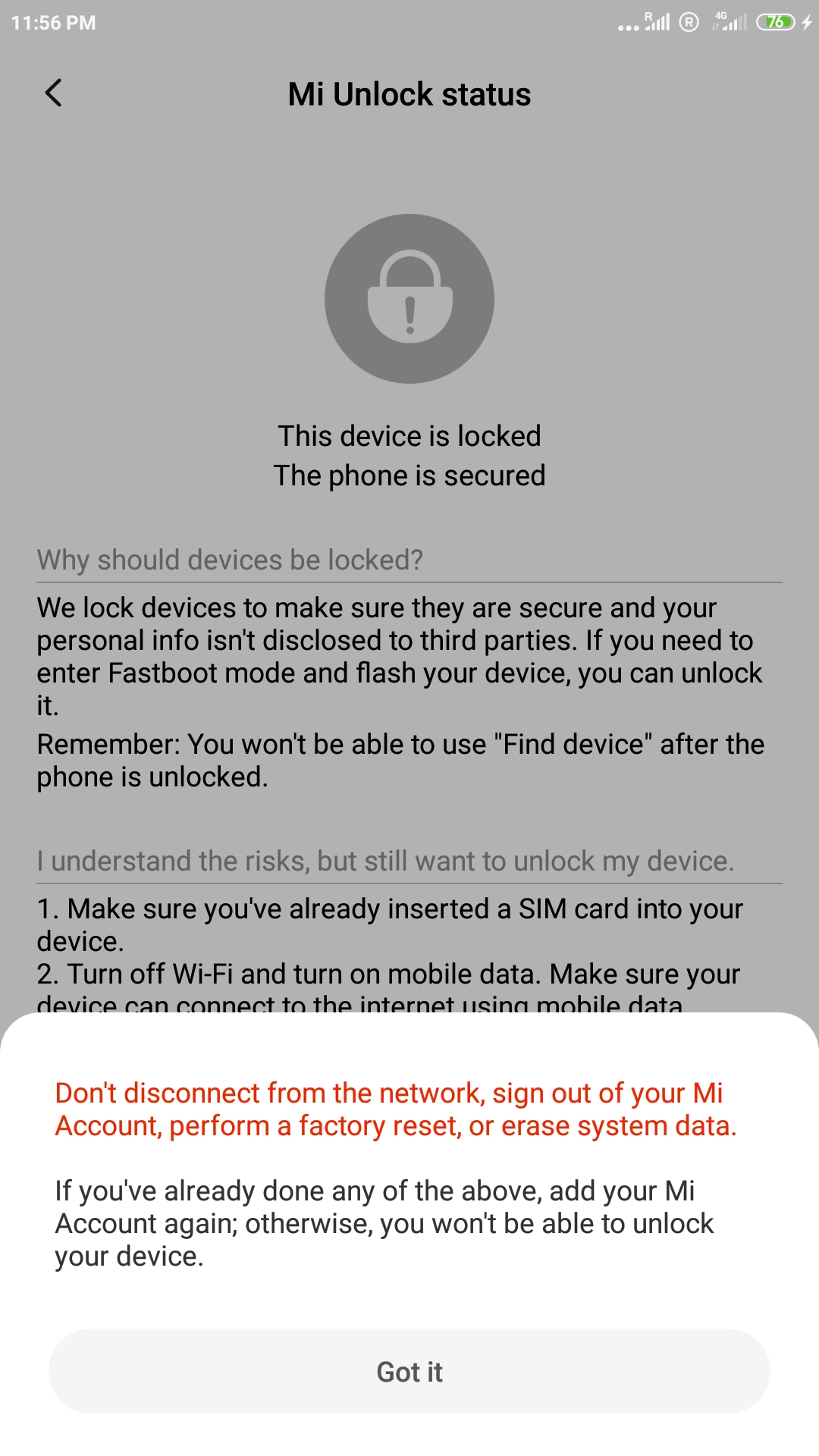
Account binded

Back to Mi Unlock - SMS rate limit

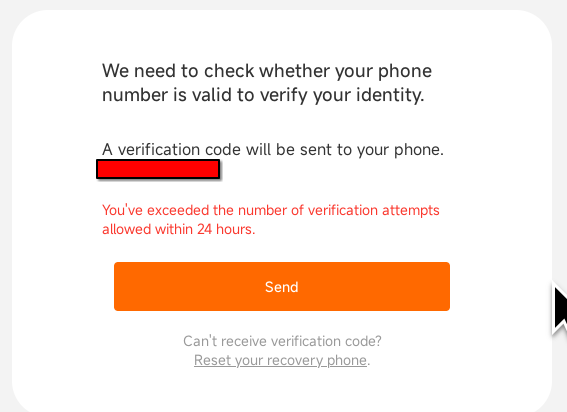
Come back in 24 hours
It seems there’s a limit of 3 SMS codes per 24 hours outside of China.
Screenshot of that info

Back the next day - Episode: Windows drivers

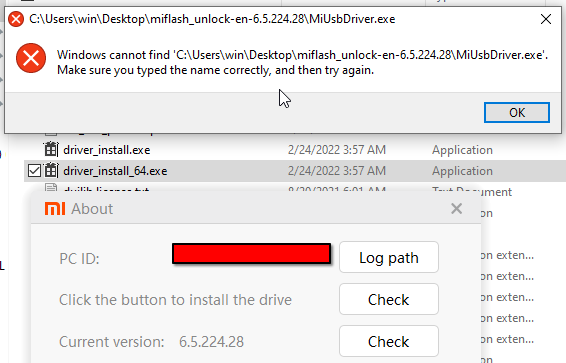
The Mi Unlock tool should include the USB drivers, but something’s fucked up there.
File not found
Someone on XDA mentioned one of the 2 driver files can be renamed to the required filename, because let’s ship a broken tool.

So I did that: driver_install_64.exe -> MiUsbDriver.exe
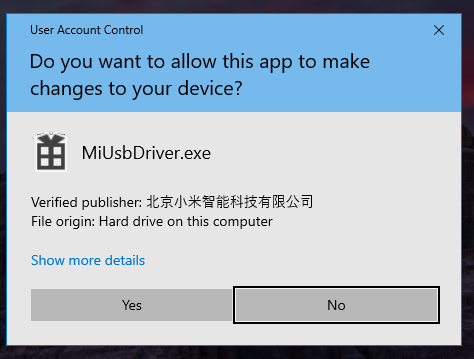
This now shown Windows installation prompt.
Confirmation window

But why yes, it did not work.

So, I downloaded the drivers from Google, and tried following their instructions.
So that did it, right? Nah. Windows wouldn’t find the driver.

The solution was following someone’s Reddit comment.

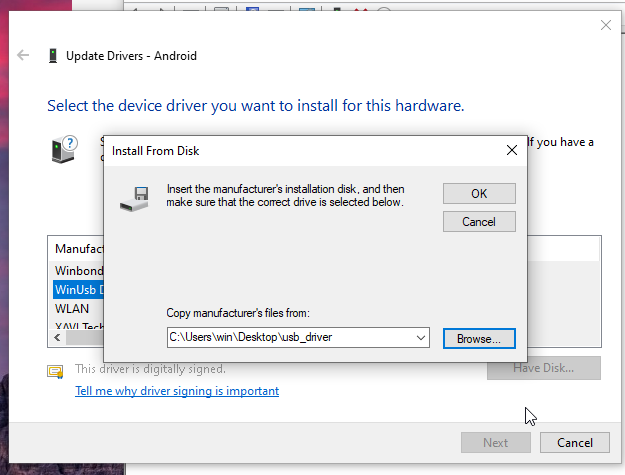
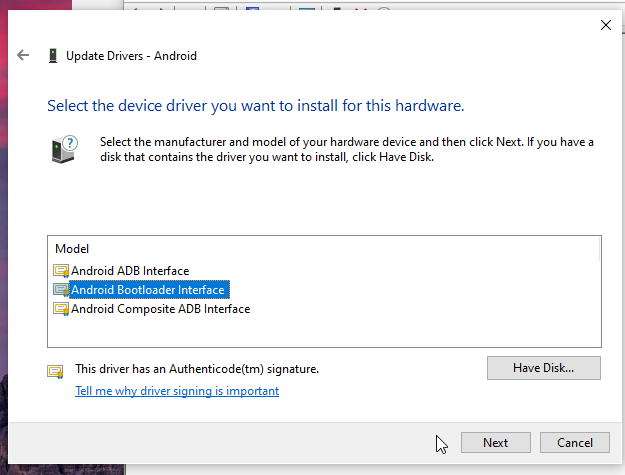
Choose the option that says ‘Let me pick from a list of available drivers on my computer’, then browse to and select the file named android_winusb.inf. From there, you’ll be able to choose ‘Android Bootloader Interface’ to install.

Choosing "install disk' Choosing the driver

For comparison, on something like Arch Linux, this is a matter of extremely hard and time-consuming sudo pacman -Sy android-tools. /s

Reaching the fruit

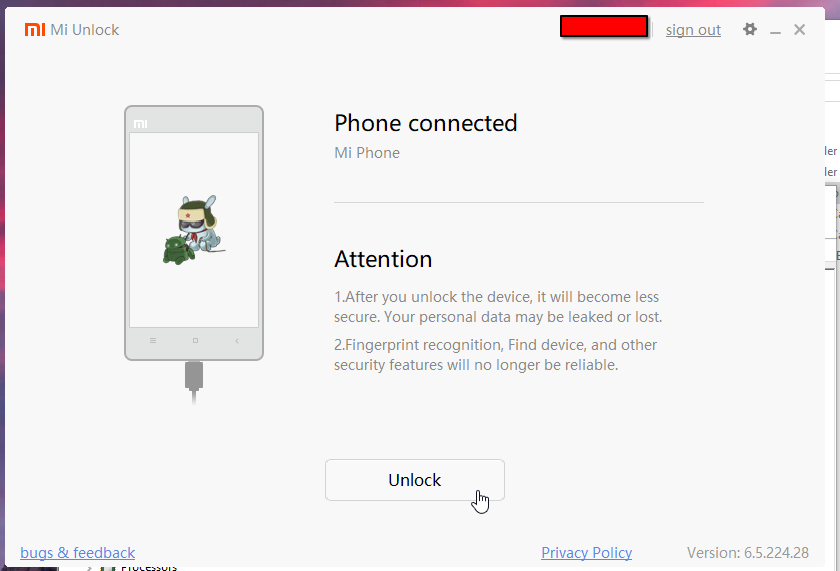
The device is finally recognized.
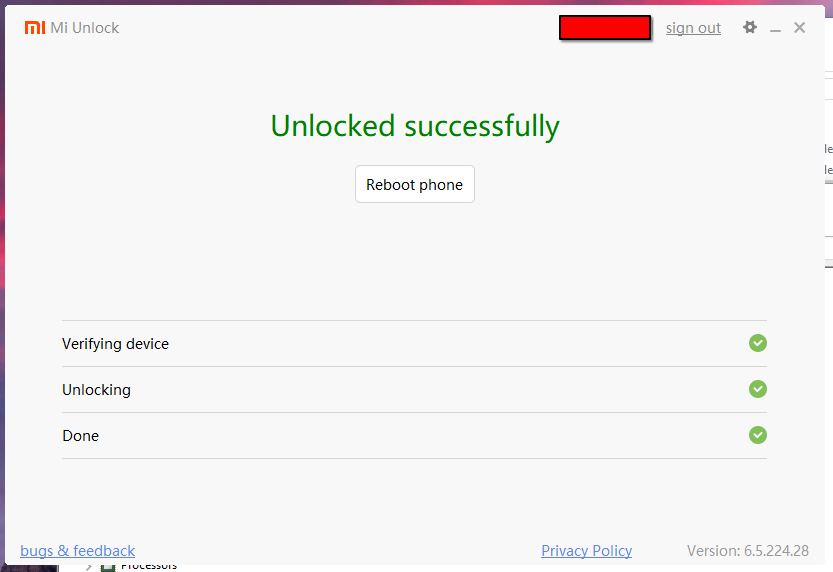
Unlock button turned friendly Unlock success
And there we go.
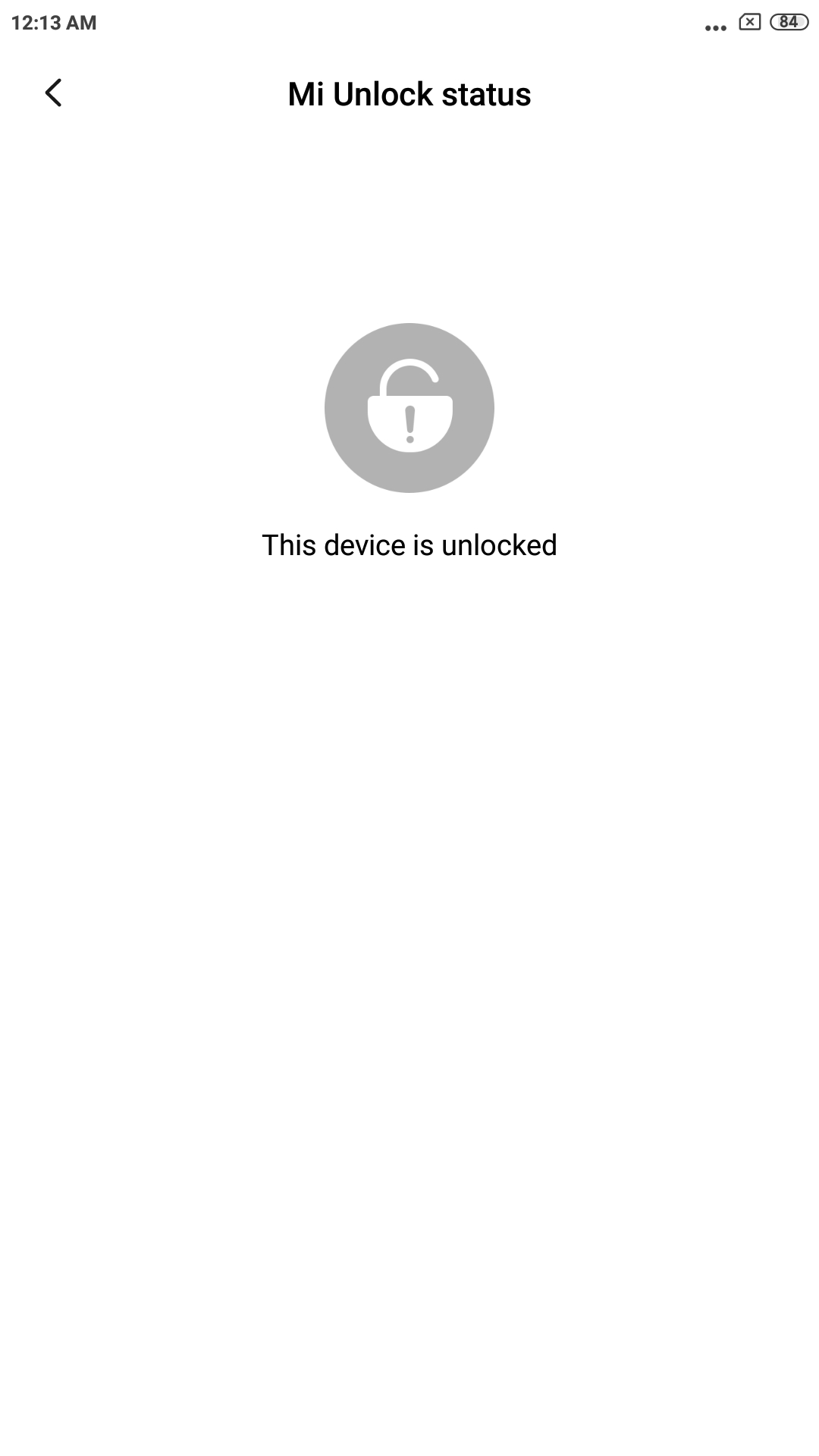
Unlock confirmation on device

And the final step:
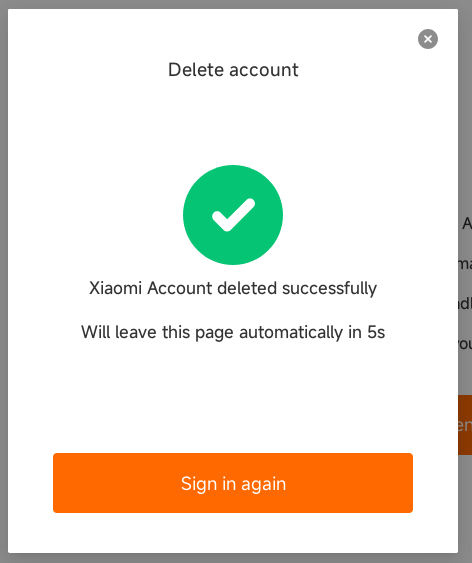
Account deletion

Hardest part?

Unlocking the bootloader. Because it’s Xiaomi. I have screenshots from the whole process, but that’s more of a thing for “mildly infuriating” community.
Fun fact: Xiaomi doesn’t even allow installing APKs via ADB without Mi account…

Why is it running plasma-desktop?

It’s the first UI I tried. I’ve used it with a touchscreen before, and it worked well.
I’ve also tried installing both plasma-mobile and plasma-desktop, but the configurations seem to clash.
Also, when I use Android I always increase DP in developer settings to >600 which switches some UI elements to tablet mode. I prefer more things on the screen.

plasma-mobile vs plasma-desktop

Apples and oranges, yes, but I’ll compare them. I am allergic to apples, but not oranges. Wait, that’s not what I was talking about…

Nice things in plasma-desktop

  • Sleep works (dmesg reports s2idle).
  • More powerful UI (proper desktop).

Nice things in plasma-mobile

  • Extra buttons in Konsole (tab, arrows, ctrl).
  • Screen can be locked and turned off.
  • Existing buttons on phone are automatically mapped to navigation in Plasma.

Bad things about plasma-desktop

  • Even if I set power button to “Turn of screen”, it immediately turns back on.
  • Awful CLI experience without needed buttons.
  • Pressing back and home buttons causes awful noise on headphone output.

Bad things about plasma-mobile

  • Sleep isn’t available as power option. systemctl suspend seems to properly put it into sleep based on kernel logs, but pressing button first time won’t do anything, while causing a reboot when pressed the second time.
  • While phone’s buttons are mapped, I didn’t find a setting to hide on-screen buttons, so you just get each button twice.

Running without modifying anything (aside from bootloader unlocking)

I didn’t yet want to modify anything on the device, so I just flashed PostmarketOS to SD card.
The device is then booted through a computer using fastboot boot with lk2nd bootloader image.


Miscellaneous

This section is just about me being dumb.

I have no idea about what’s going on during the boot process.
There’s 49 partitions on the internal storage, I don’t know what they’re all used for, nor how data is loaded from them.

Partition table
Device        Start       End  Size Attrs   Name
 1           131072    303103   84M GUID:60 modem
 2           393216    393217    1K         fsc
 3           393218    393233    8K         ssd
 4           393234    394257  512K         sbl1
 5           394258    395281  512K         sbl1bak
 6           395282    396305  512K         rpm
 7           396306    397329  512K         rpmbak
 8           397330    401425    2M         tz
 9           401426    405521    2M         tzbak
 10          405522    406033  256K         devcfg
 11          406034    406545  256K         devcfgbak
 12          406546    439313   16M         dsp
 13          439314    442385  1.5M         modemst1
 14          442386    445457  1.5M         modemst2
 15          524288    524351   32K GUID:60 DDR
 16          524352    527423  1.5M GUID:60 fsg
 17          527424    527455   16K GUID:60 sec
 18          655360    677887   11M         splash
 19          786432    788479    1M GUID:60 aboot
 20          788480    790527    1M GUID:60 abootbak
 21          790528    921599   64M GUID:60 boot
 22          921600   1052671   64M GUID:60 recovery
 23         1052672   1054719    1M GUID:60 devinfo
 24         1054720   7346175    3G GUID:60 system
 25         7471104   7995391  256M         cache
 26         7995392   8060927   32M         persist
 27         8060928   8062975    1M         misc
 28         8062976   8063999  512K         keystore
 29         8064000   8064063   32K         config
 30         8064064   8588351  256M         oem
 31         8650752   8650815   32K GUID:60 limits
 32         8781824   8782847  512K         mota
 33         8782848   8784895    1M         dip
 34         8784896   8850431   32M         mdtp
 35         8850432   8851455  512K         syscfg
 36         8851456   8859647    4M         mcfg
 37         8912896   8913151  128K GUID:60 lksecapp
 38         8913152   8913407  128K GUID:60 lksecappbak
 39         8913408   8913919  256K GUID:60 cmnlib
 40         8913920   8914431  256K GUID:60 cmnlibbak
 41         8914432   8914943  256K GUID:60 cmnlib64
 42         8914944   8915455  256K GUID:60 cmnlib64bak
 43         8915456   8915967  256K GUID:60 keymaster
 44         8915968   8916479  256K GUID:60 keymasterbak
 45         9043968   9044479  256K         apdp
 46         9044480   9044991  256K         msadp
 47         9044992   9045007    8K         dpo
 48         9045008  10748943  832M         cust
 49        10748944 122142686 53.1G         userdata

If I collected info correctly, BootROM loads whatever SBL is, which then loads whatever ABOOT is (which probably includes fastboot), which then decides what to load next (recovery, boot).

But how?
Does it look at the partition table for the names/UUID, or does it look for disk offsets? (There are suspicious holes between partitions.)
If the former, I could re-partition it.
If the latter, I’d be fucked.

Anyway, when it comes to backups, I first erased cache and userdata (fastboot erase), booted TWRP, and cat the internal storage over ADB shell, storing it as a sparse file. It takes up just 3.3GiB.
I also checksummed the storage and image file for verification.

I also tried to extract the stock recovery into Android boot image without extra data after it.
I don’t know how to determine the real size, so I used unpack_bootimg and mkbootimg to get the original image, rather than whole partition.
The checksum of re-created boot image was different to original truncated partition image, but upon closer inspection with xxd and diff, this was just a difference in header:

00000010: 68c2 4f00 0000 0081 0000 0000 0000 f080  h.O....... | 00000010: 68c2 4f00 0000 0081 0000 0000 0000 0000  h.O.......

But I found it might indeed be a good idea to just keep a full image backup. After a bunch of NULLs, there’s more data.
file doesn’t recognize it, but running strings on it reveals readable text:

California1
San Narciso1
Yoyodyne, Inc.1
Yoyodyne Mobility1
Yoyodyne1#0!
yoyodyne@example.com0

Indeed, it seems this is a certificate: https://source.android.com/docs/core/ota/sign_builds#signatures-sideloading

Anyway, I am once again getting reminded it might be good to learn assembly (ARM in this case). The content of sbl1 and aboot seems to be an ELF, so I might be able to pop it into Ghdira, and try to figure out what it’s doing.
Maybe. I don’t know, I have the most stupid of ideas usually.
I feel like an idiot realizing block devices are just… block devices.
They just hold data.
Shocker, I know.
But it just hit me when playing around with LVM. I can create a PV directly on a disk. I can even directly format a disk with FS. Floppies don’t tend to have a partition table either. On the other hand, I can partition a partition. I can also just write a Tar directly to disk, like with tape. Or any file.

But with multiple files it starts to become a problem. A-ha! I can just write files to partitions just the same to make reading them simpler.
In this case:

Device      Start    End  Size Name
/dev/sda1    2048  70704 33.5M Limahl - Never Ending Story
/dev/sda2   71680 127492 27.3M Alphaville - Big in Japan
/dev/sda3  129024 201967 35.6M Alphaville - Sounds Like a Melody
/dev/sda4  202752 259447 27.7M Bronski Beat - Junk
/dev/sda5  260096 324229 31.3M Chris De Burgh - High On Emotion
/dev/sda6  325632 386300 29.6M Jermaine Jackson - When the Rain Beg
/dev/sda7  387072 437492 24.6M Kylie Minogue - The Loco-Motion
/dev/sda8  438272 493179 26.8M Mauro - Buona Sera Ciao Ciao
/dev/sda9  493568 545532 25.4M Olivia Newton-John - Xanadu
/dev/sda10 546816 613761 32.7M Radiorama - Yeti

I don’t know if it’s the limitation of GPT, but fdisk let’s me theoretically get up to 232 partitions (default is 27). In practice, this will be lower.
For example:

Expert command (m for help): l
New maximum entries (1-4294967295, default 134217728): 268435456
Not enough space for new partition table!

Expert command (m for help): p

Disk /dev/sda: 57.3 GiB, 61524148224 bytes, 120164352 sectors

Right now I just did it manually. Check file size, divide by sector size, add one if remainder, make partition of that number of sectors, name partition, write partition table, copy file with dd and repeat.

But I should try to automate this. It could be a bash script, but I want to learn C beyond basics, so I guess I should try writing it in that.
Take destination drive and files as arguments, then do what I wrote above. And try not to nuke the wrong disk in the process.
On the other hand, I am so lazy I can’t typically even start with my hobbies. Which sucks because I want to, I just can’t… start.

Anyway, hundreds of files and partitions can’t be processed by hand any easier.