Next gen looks promising

2 days
You can solve with a HDMI audio extractor with a volume knob, I use it in chain with a HDMI switch and I can easily control every device.
You can solve with a HDMI audio extractor with a volume knob, I use it in chain with a HDMI switch and I can easily control every device.

Lol you right, I’m italian
That’s a native PC port you don’t need to emulate PS4
Next gen looks promising
Europe desperately needs a new political class, we actually have the sons of the boomers which aren’t prepared to this time of changes but we are still the most future-proof progressive political project considering the mess with the US downfall and China’s issues. I think the crucial points for the near future are:

This but with soulseek-downloaded flacs
Soukseek is great, I recently discovered people sharing also movies and other stuff, so not only music which is what is famous for. You can also ban Israel from your sharing!
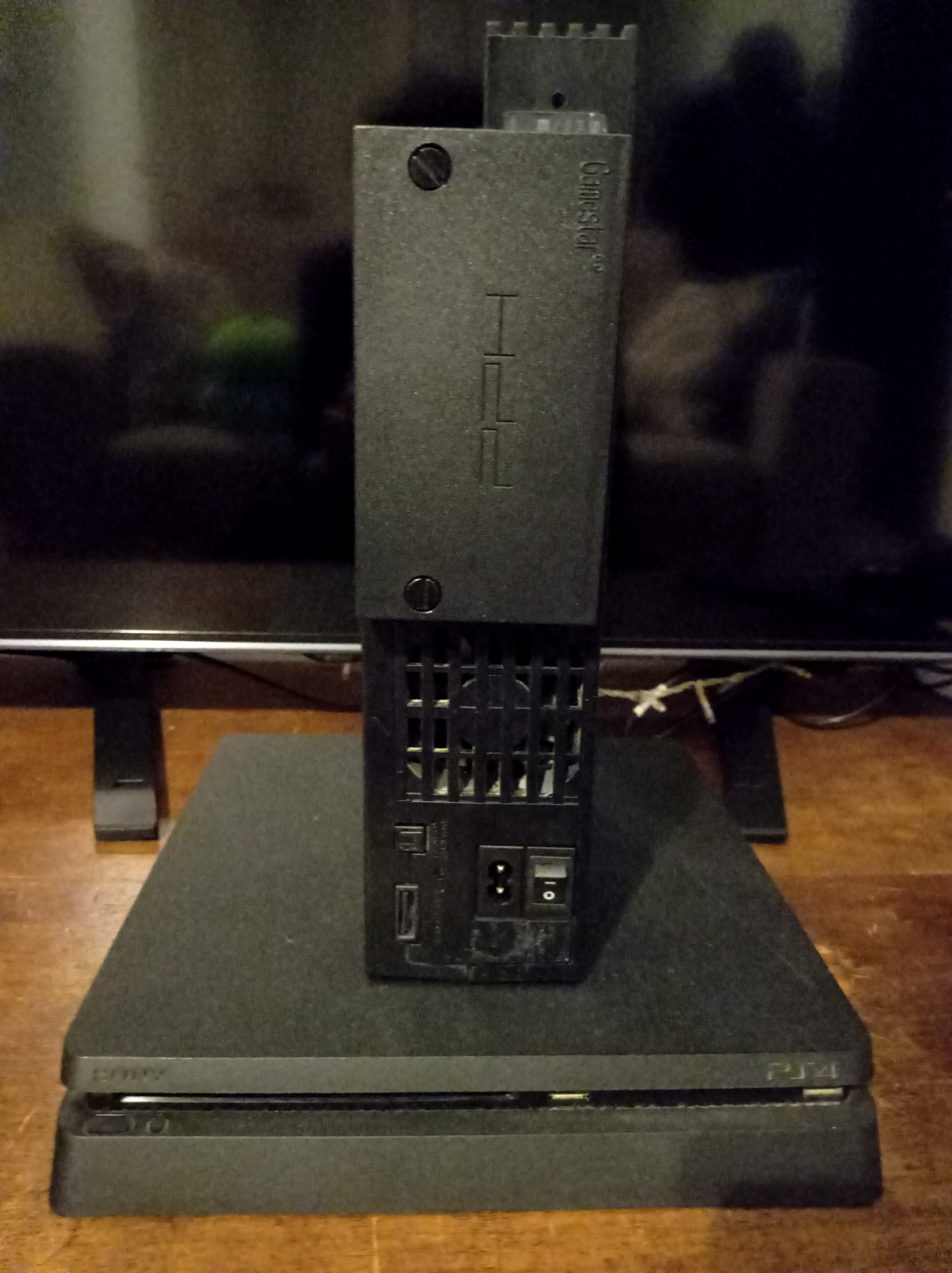
This guide allows you to softmod your PS2 fat model in easy steps without an existing FMCB card or any rom manager. Thanks to the Reddit user u/quisys for the original guide. Disclaimer: make sure you know what disk you’re writing to when using dd command, I am not responsible for any data loss.
Required Hardware
Required Software
Install FreeMCBoot
sudo dd if=__mbr.raw of=/dev/sdX [Determine the path of your HDD using lsblk. It should be /dev/sdX, with X being the letter of your disk. ENSURE YOU USE THE PATH OF YOUR DISK! IT SHOULD NEVER BE /dev/sda]HDD Management
mkfs.exfat /dev/sdX)OPL Setup

Goat controller, I recently bought one too: it’s the bluetooth version? In any case mine has a built-in remap function, try to press “-” button plus “up” for 5 sec (you’ll see the red indicator blinkin), it should reset the mapping.
Hmm, I suppose every instance decide if these infos are public or not thru the UI
Do you use photon front or default from your instance?
5 years on the fediverse and I never seen an option to look the votes, which app do you use?
Are downvotes public? I can’t see these with my app/front. I also upvoted a couple of lists I finded reasonable, it’s just my critique view, everyone is free to downvote my list too.
Obviously just videogames I’ve already played.
Thank you for the feedback; do you think it’s possible to achieve that quality from home with a quality printer/ink and that specific paper?
[edit] I realized you already partially answered to my last question!
Cover art for the boxes, just the paper, to insert in the plastic cover
Do you think any local print service could do dvd/bds? My only concern is to match the print quality and have a cheap price.
Possibly under EU. I can do graphics and I would like to print some of these for my PS3/PS4 games.
Have you tried to boost your PC volume using easyeffects? It’s a great audio utility with a lot of plugins to manage your audio output.